
Mileage records
Track work miles, review trips, and keep records inspectable before export.
Instacart mileage guide
Instacart shoppers can have mileage around store visits, batches, customer drop-offs, returns, and personal errands in the same day. This guide explains what Instacart mileage to track, why your own mileage log matters, and how GigClaim helps keep shopper records organized for tax time.
Last reviewed: July 16, 2026
GigClaim is not affiliated with Instacart. Platform names are used only to identify driver workflows and may be trademarks of their owners.
Track work miles, review trips, and keep records inspectable before export.
Mileage, trip, expense, earnings, and tax-planning records are designed to stay on your phone.
Export records only when you choose.
Inside GigClaim
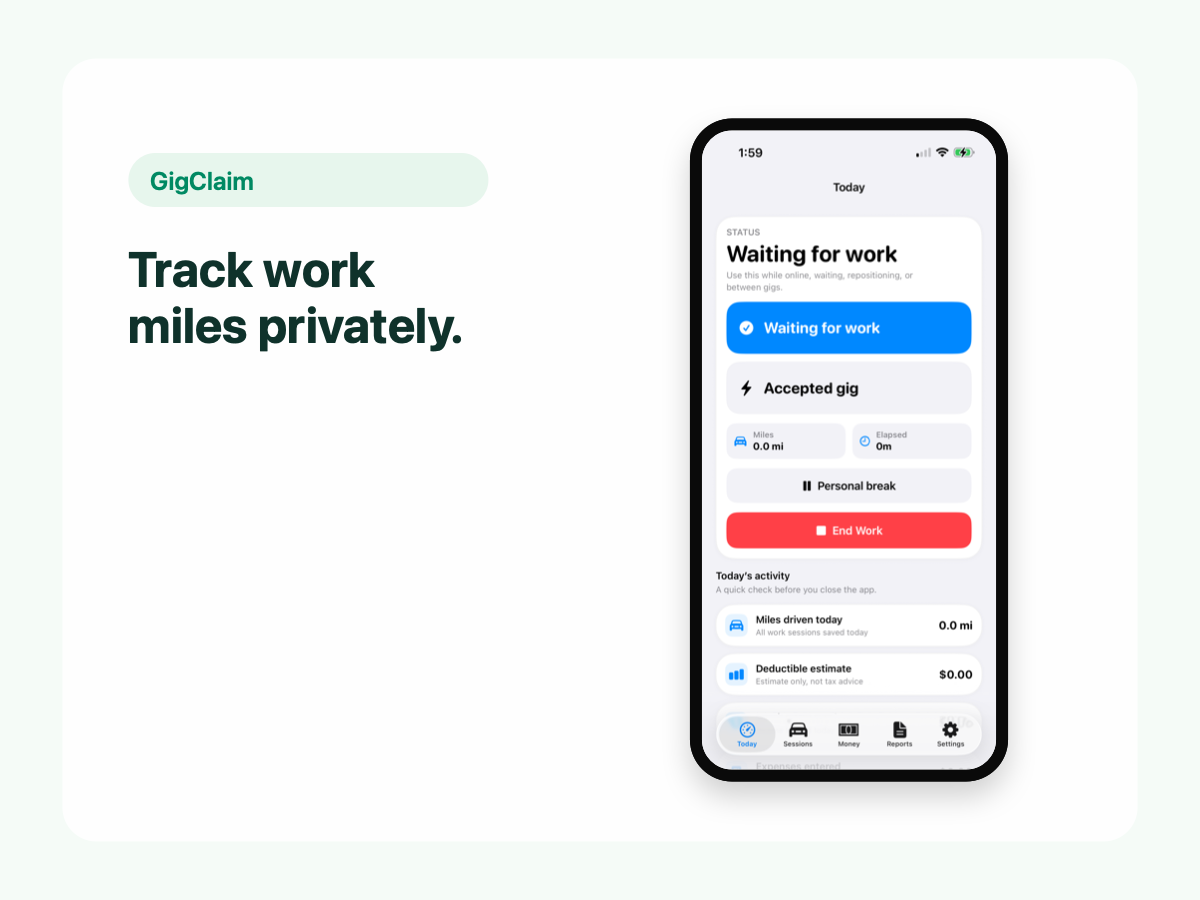
GigClaim is built around reviewable records: track the work session, inspect trips, add missed entries or notes when needed, then export only after the record makes sense.
That workflow is useful for busy delivery and rideshare days where personal errands, weak GPS, parking, tolls, or route changes can make a raw mileage total hard to trust without review.
Quick answer
Driver scenarios
Use these examples as review prompts, not tax conclusions. Your facts still matter.
If you shop for yourself before or after an Instacart batch, review the surrounding trips carefully and keep personal stops separate.
A batch that involves more than one store can be difficult to explain later. Use notes for store changes, waits, or route corrections.
Returns, replacement items, and extra customer communication can change the shape of a work session. Keep factual notes when needed.
Pricing boundary
GigClaim is free to download from the App Store. Starting a new Instacart work session requires an active Pro subscription or an eligible introductory offer shown by Apple.
Apple determines introductory-offer eligibility and shows the final price, offer terms, and renewal details before purchase.
Store trips
Shopping work can make mileage records messy because the driving may be interrupted by store time, replacements, multi-store batches, and customer drop-offs.
Track the work session, then review each trip before relying on totals.
Classifications
Instacart shoppers may be near stores they also use personally. A record is stronger when personal errands and shopper work are reviewed separately.
Use notes when a route correction, return, or multi-store batch would be hard to understand later.
Privacy
Mileage and earnings records can reveal where you shop, when you work, and how much you earn.
GigClaim is designed around local-first recordkeeping so in-app driver records stay on the phone and exports happen only when you choose.
Review checklist
Review trips to stores, between stores, and from store to customer drop-off, especially when personal errands happen nearby.
Add context for multi-store batches, replacements, returns, route corrections, parking, or long waits.
Confirm the date range and recipient before exporting files that may show store, route, income, and expense records.
Common mistakes
Stores are often part of personal life too. Review personal errands separately before relying on shopper totals.
Crowded lots, garages, and long waits can affect records. Notes can make a trip easier to understand later.
A clean export should make it clear when trips relate to shopping work, delivery, corrections, or review-needed records.
Exports can reveal stores, neighborhoods, work hours, and earnings. Share them only with trusted recipients.
Boundaries
FAQ
GigClaim is free to download. Starting a new Instacart work session requires an active Pro subscription or an eligible introductory offer shown by Apple. Apple shows final eligibility and terms before purchase.
Instacart may show some batch or trip information, but shoppers should keep their own mileage log for tax records. A separate record can help avoid relying only on platform summaries.
Track business miles related to shopping and delivery work, such as driving to stores, between batches, and to customer drop-offs. Keep personal errands separate.
Yes. GigClaim helps Instacart shoppers keep mileage organized for tax-time records.